
Centralise all Orders and Ease Operations
Consolidate orders from multiple sales channels into a single app—OrderLine.
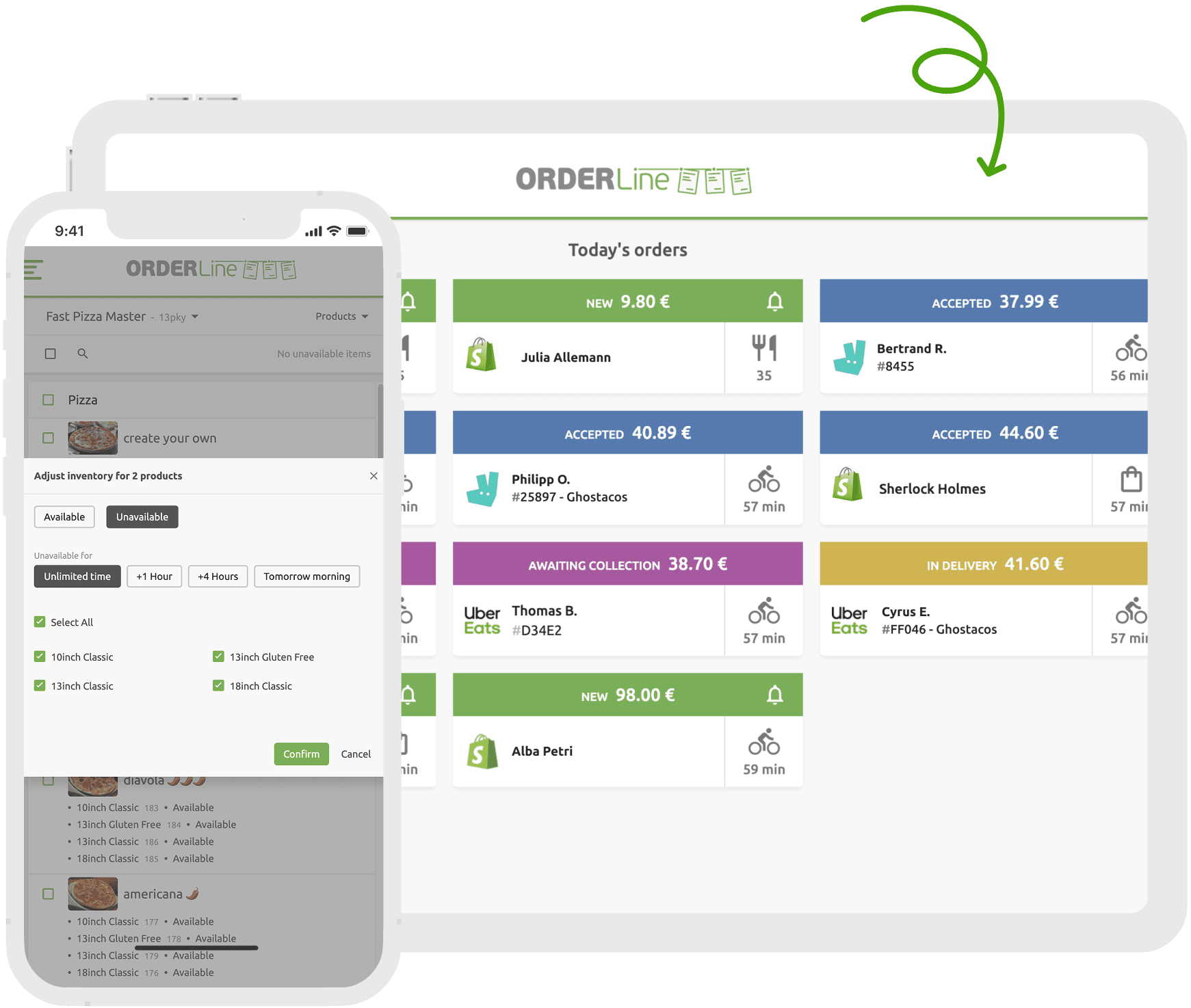
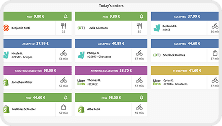
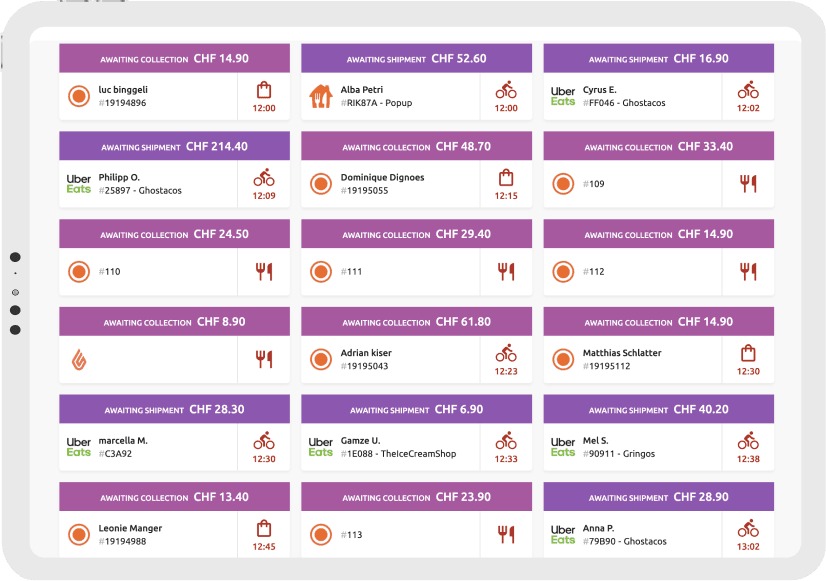
If your EPOS cannot be connected or you prefer to manage orders separately, OrderLine offers a comprehensive view of your orders, displaying the origin of each one, the associated brand if you operate a dark kitchen, and its final destination. Visual notifications keep you informed about orders that need to be ready soon.
Connect all your sales channels to HubRise and manage both on-premises and remote orders in a single web app, no matter their origin. Orders may come from table ordering, self-ordering kiosks, delivery platforms, your branded online ordering solution. All orders are transmitted in real time to your EPOS and routed to back-of-house operations.
Get Started in 5 Steps
Create a HubRise Account
Sign up to create your HubRise account and access centralised order management features.
Connect Your Sales Channels
Contact HubRise support to help you connect your sales channels to your account, enabling seamless order integration.
Get Set Up
Customise your workflow by configuring order statuses and selecting your preferred sound notifications. Connect your printer to your device, add an OrderLine shortcut to your home screen and open OrderLine through your browser.
Start Receiving Orders
Once your sales channels are connected, orders will flow into OrderLine in real time, allowing you to monitor and manage them effortlessly. You can enable auto-accept and auto-print for greater efficiency.
Manage Operations
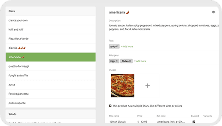
Update inventory or product availability across all sales channels, adjust opening hours, or temporarily pause delivery platforms—all with a single click.
OrderLine, Your Free HubRise Order Management App
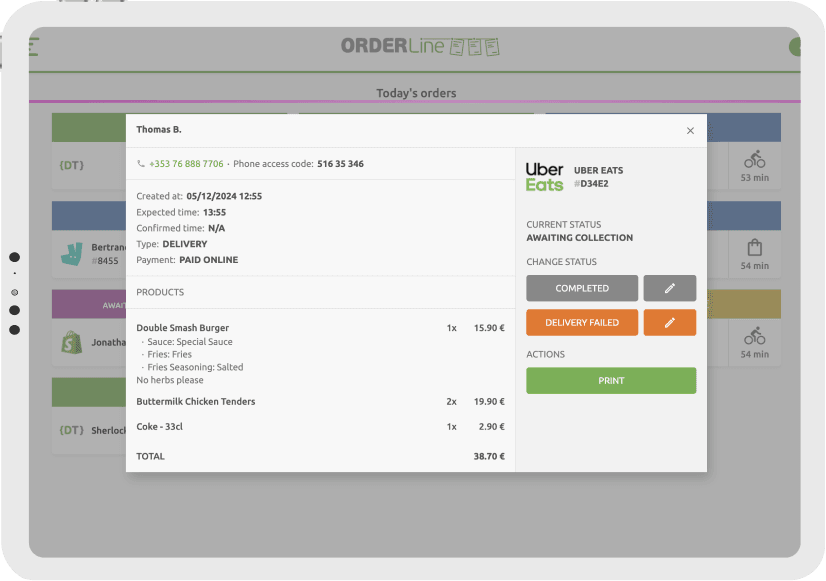
Centralise orders from all your sales channels in OrderLine and manage them effortlessly from a single interface. Update order statuses, track approaching drivers, print receipts, adjust opening hours, pause online stores and control product availability—all tailored to your workflow.

Centralise All Orders
Eliminate the hassle of managing multiple devices. Even with an EPOS integration, OrderLine lets you receive and manage all orders from a single web app—without disrupting in-store operations. Monitor order statuses in real time, from confirmation to delivery.
Ensure Status Accuracy
Never miss an order—or an order item—again. Stay on top of preparation times, delivery schedules, and destinations. See drivers approaching for orders to be ready, helping you maintain smooth operations and a positive customer experience.
Manage opening hours
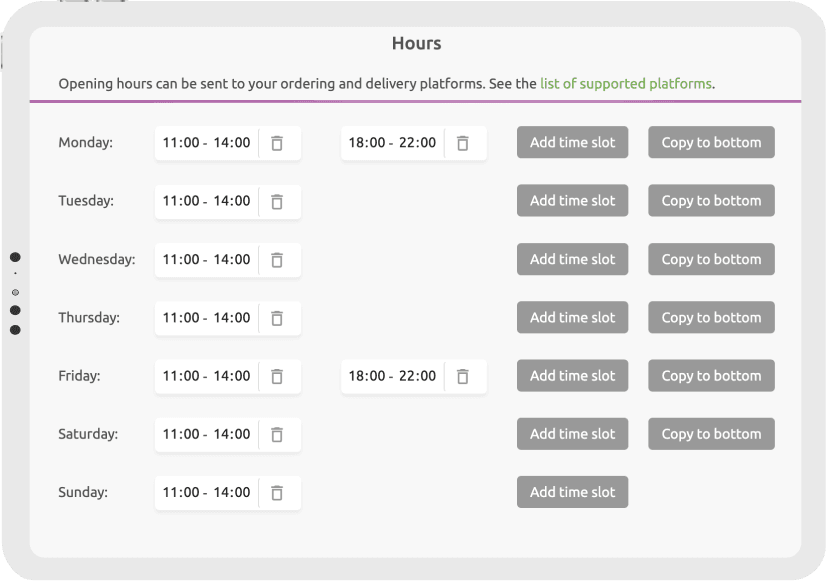
Easily update your opening hours across all platforms with a single click. During peak times, temporarily pause delivery platform orders to prioritise on-premises guests or orders from your own branded online ordering website.
Manage inventory
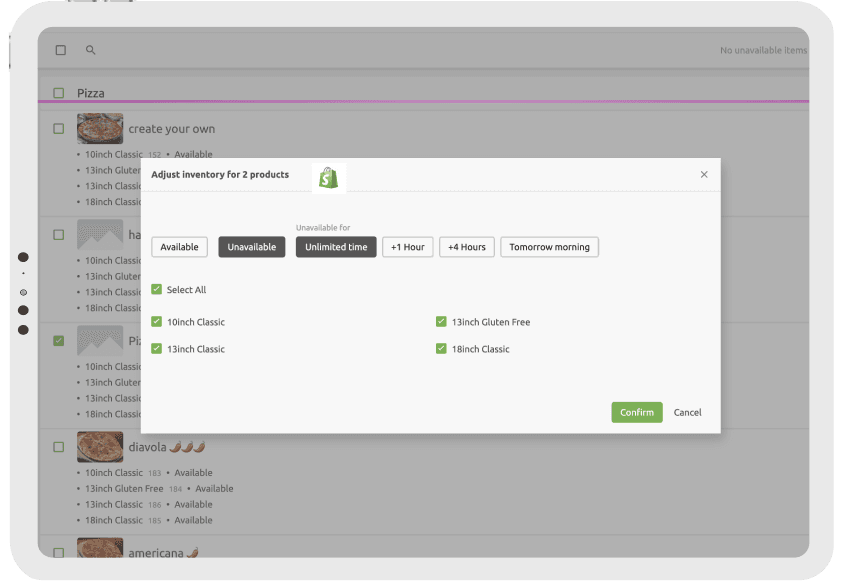
Prevent overselling products and add-ons by keeping product availability up to date across all sales channels. Temporarily mark products as unavailable for a few hours, until the next day, or for an indefinite period. Update inventory manually in OrderLine or via your EPOS integration.
Tailored to your operations
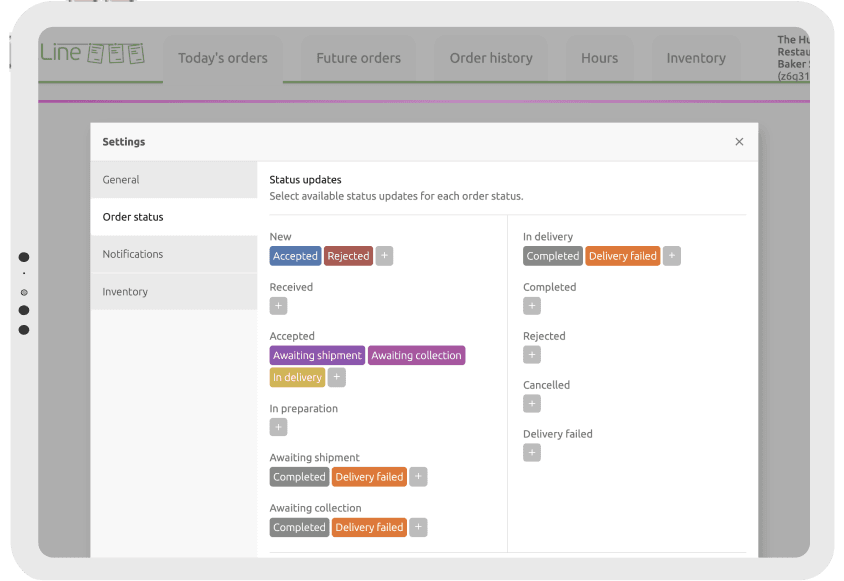
Customise your order workflow to suit your operations. Automatically accept orders as soon as they arrive in HubRise, and configure specific order statuses for your restaurant. Print receipts manually, or automate the process by connecting a third-party cloud printer.
Included Apps to Streamline Your Operations
Discover the other apps included with HubRise to streamline your operations, optimise workflows, and simplify reporting.

Need help with something else?
Looking for help beyond pricing or features? If you have any questions, our support, sales, and technical teams are here to assist you.
Contact Us